Label Printers for Small Business
Thermal label printers for shipping, product, and barcode labels.
As an Amazon Associate I earn from qualifying purchases.
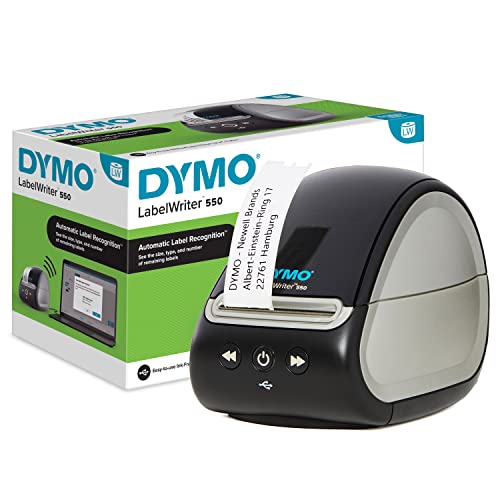
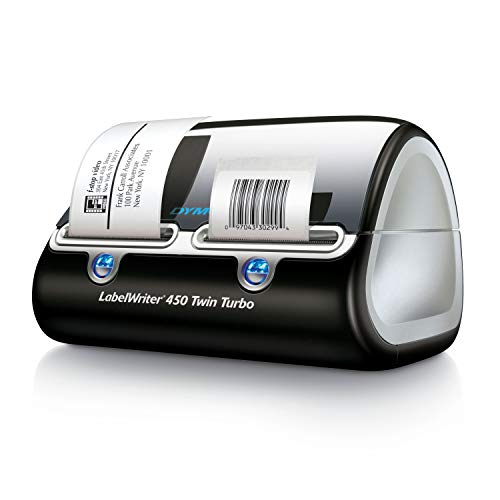
A dedicated thermal label printer beats a regular office printer on speed, cost, and reliability for both shipping labels and product barcodes. No ink, no ribbons for direct-thermal models, and a single 4x6 label prints in under two seconds. The picks below cover the most popular shipping label sizes plus 2-inch barcode label printers for inventory.
Direct-thermal is the right choice for shipping labels and short-term barcode labels — no ink or ribbons ever, just a roll of thermal label stock. Thermal-transfer models use a ribbon and produce prints that survive years of sunlight and abrasion — worth the extra cost for warehouse asset tags, freezer labels, and anything that needs to last more than a year.
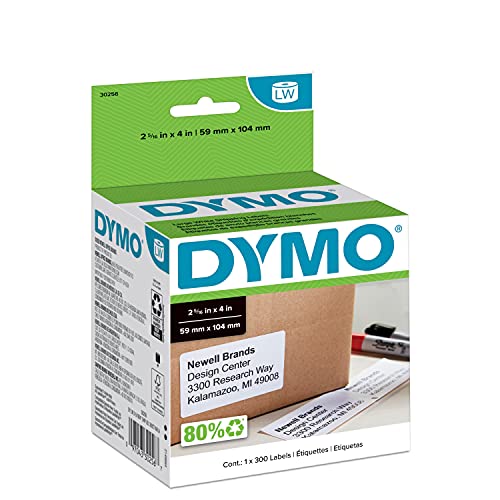
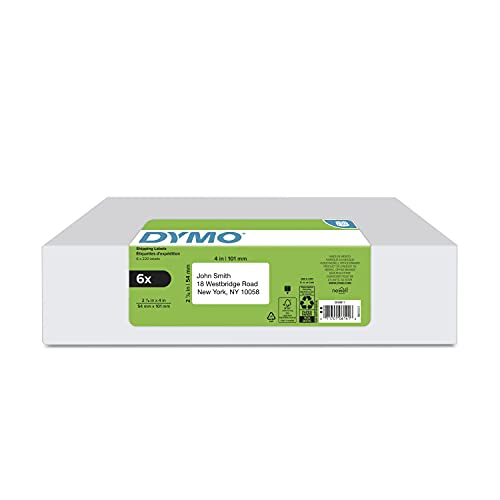
4x6 inches is the shipping label standard used by USPS, UPS, FedEx, and Amazon FBA. If you print more than 10 shipments a week, a dedicated 4x6 thermal shipper will save you hours a month compared to feeding sticker paper through a regular printer.
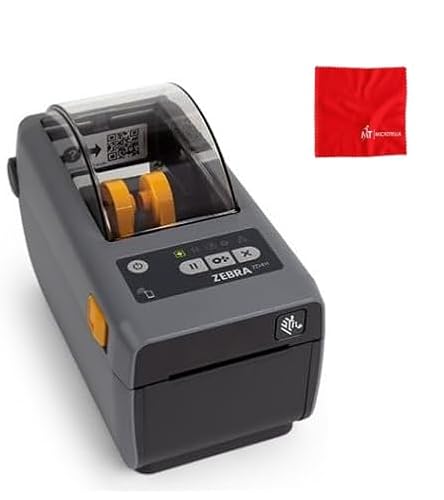
For product and shelf barcodes, a 2-inch or 2.25x1.25-inch label printer is the standard. Pair with ExpressBizTools inventory to print barcode labels for every SKU, then scan those labels at checkout or during cycle counts.
What to look for when buying
- Direct-thermal for shipping labels and short-term barcodes — no ink or ribbons.
- Thermal-transfer for labels that must last years or survive weather.
- 4x6 is the shipping label standard.
- USB works everywhere; Bluetooth and Wi-Fi make sense when multiple people print.
- Look for auto label calibration so you can swap roll sizes without a manual reset.
Our picks on Amazon










Frequently asked questions
Rollo, Zebra, or a generic 4x6 label printer?
For under 200 shipments a month, a generic 4x6 direct-thermal printer at $150 works. Rollo is the popular mid-tier. Zebra is warehouse-grade — overkill unless you print hundreds of labels a day.
Can I print barcode labels from ExpressBizTools?
Yes. Generate barcode labels from your Inventory list, export to PDF sized to your label stock, and send to the thermal label printer. Bulk label runs are supported.
Direct-thermal or thermal-transfer?
Direct-thermal for shipping labels and short-term barcodes. Thermal-transfer for asset tags, warehouse labels, and anything exposed to sunlight or that must last more than a year.
Do I need a Wi-Fi label printer?
Only if multiple people or devices print to the same printer. For single-user setups, USB is cheaper, faster, and more reliable.
Related Categories
Auto Shop
Tools, storage, and shop gear for independent mechanics.
Barcode Scanners
USB, wireless, and 2D barcode scanners for inventory and POS.
Cash Drawers
Point-of-sale cash drawers and till trays for retail.
Contractor & Field
Rugged, portable gear for contractors and field service.
Card Readers
Mobile card readers and payment terminals for small business.
Etsy & Craft
Craft, packaging, and shipping supplies for handmade sellers.
Work out the numbers first
As an Amazon Associate, ExpressBizTools earns from qualifying purchases.