POS Hardware for Small Business
Complete point-of-sale hardware for shops and restaurants.
As an Amazon Associate I earn from qualifying purchases.
A complete point-of-sale hardware setup for a small shop no longer needs to cost thousands. Modern POS hardware runs on tablets and phones, uses standard USB and Bluetooth, and pairs with free software like ExpressBizTools instead of locking you into a proprietary vendor.
The picks below cover tablet stands, POS terminals, iPad bundles, and complete counter setups that suit boutiques, gift shops, coffee shops, salons, and quick-serve counters. Pair one with a receipt printer, a barcode scanner, and a cash drawer for a full checkout in under an hour.
Look for POS hardware that stays neutral: it should work whether you switch software next year or plug in a different card reader. Anything that only functions inside one company's monthly-fee ecosystem is worth avoiding unless you are already committed to that ecosystem.
For a low-volume shop under 40 transactions a day, a tablet stand plus a mobile card reader plus a Bluetooth receipt printer handles everything. For higher volume, step up to a proper counter-mount terminal with a bolted-down cash drawer and USB-powered peripherals so nothing gets accidentally unplugged.
What to look for when buying
- Match the tablet mount to the tablet you already own — universal mounts flex slightly and feel wobbly.
- Prefer USB-powered peripherals so one plug strip covers the whole counter.
- Look for VESA mounts on terminals if you might wall-mount later.
- Pick a stand that swivels so customers can sign or pick a tip from their side of the counter.
Our picks on Amazon
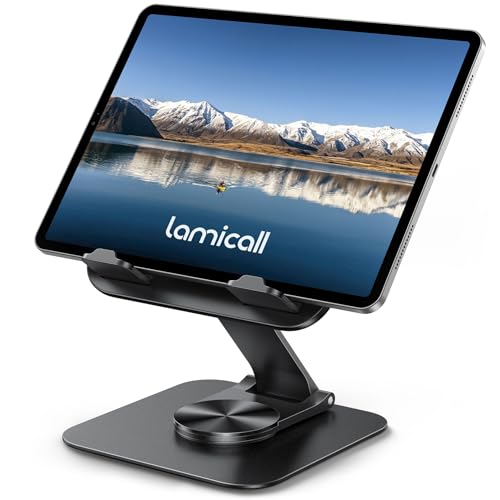


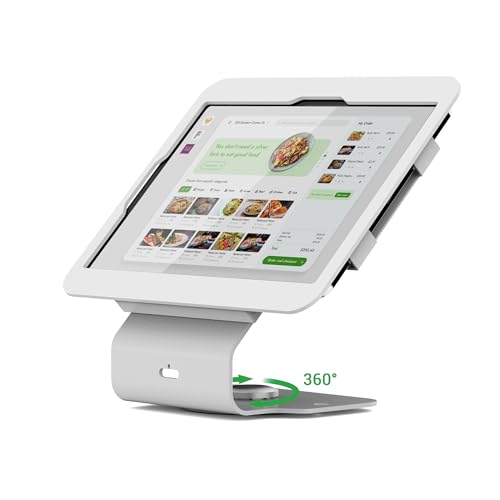


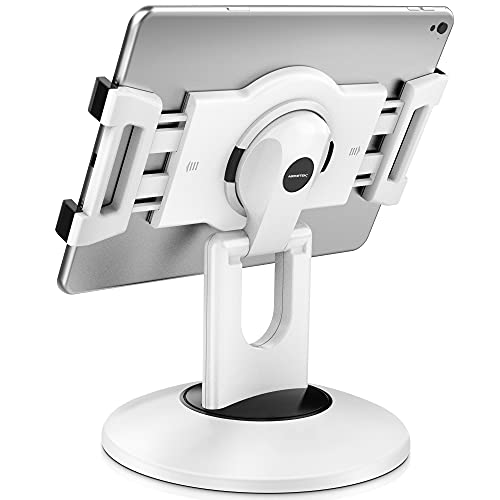

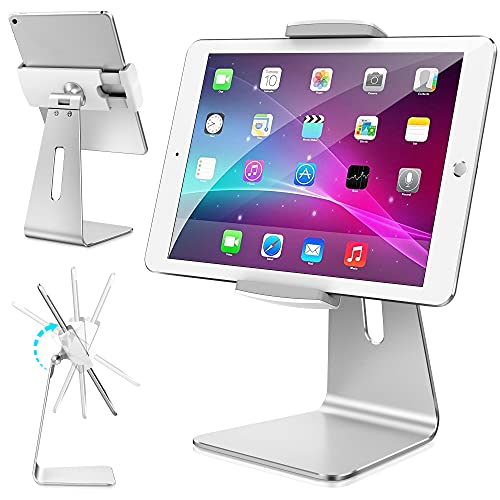


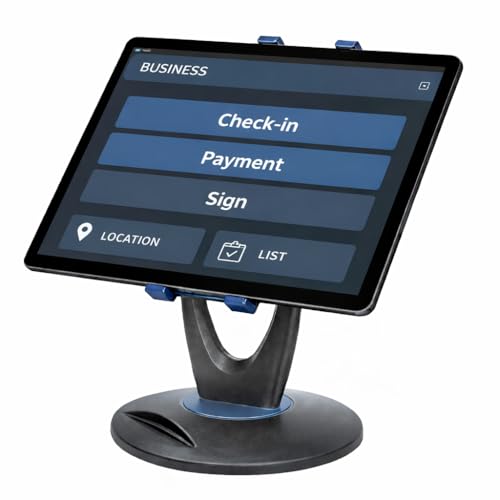
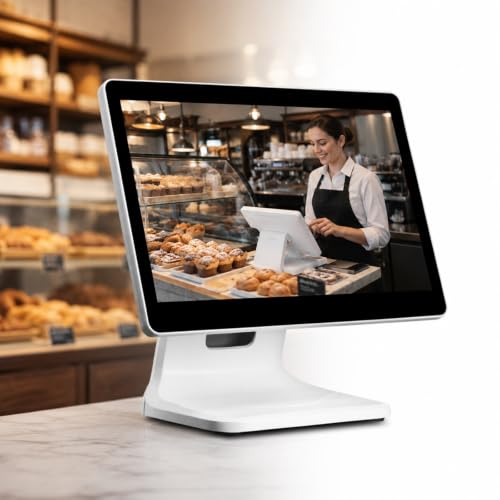
![Cash Drawer and Thermal Receipt Printer,[Compatible with Shopify POS]](https://m.media-amazon.com/images/I/31W+2dx43UL._SL500_.jpg)

Frequently asked questions
What POS hardware do I actually need to open a small shop?
At minimum: a tablet or phone with POS software, a receipt printer, a cash drawer, and a card reader. A barcode scanner is optional but pays for itself if you sell more than 30 SKUs.
Do I have to buy hardware from my POS software vendor?
No. Standard USB, Bluetooth, and ESC/POS receipt printers work with almost any POS, including free options like ExpressBizTools. Vendor-branded hardware usually costs 2-3x more for identical parts.
iPad or Android tablet for POS?
Either works. iPad has broader accessory support but Android is cheaper. If your POS software runs in a browser like ExpressBizTools, the choice comes down to price and battery life.
Do I need a dedicated internet connection for POS?
A stable connection helps. ExpressBizTools saves records in your browser, so an open tab keeps working through a brief drop, but card payments depend on your reader and processor — check whether yours has an offline mode.
Related Categories
Auto Shop
Tools, storage, and shop gear for independent mechanics.
Barcode Scanners
USB, wireless, and 2D barcode scanners for inventory and POS.
Cash Drawers
Point-of-sale cash drawers and till trays for retail.
Contractor & Field
Rugged, portable gear for contractors and field service.
Card Readers
Mobile card readers and payment terminals for small business.
Etsy & Craft
Craft, packaging, and shipping supplies for handmade sellers.
Work out the numbers first
As an Amazon Associate, ExpressBizTools earns from qualifying purchases.